Published on
Do I need the internet to use a sales app?
It depends how it is built: many stop working the moment the line drops, because the data lives elsewhere. What changes when it lives on the phone instead.
Almost every business app today is a networked service: the data sits on a server, and the app on the phone is a window onto it. While the line is there it works well. When it is not, it does not work at all — and the line is missing exactly where selling happens.
The places where there is no signal
These are not rare cases, they are the normal working day:
- the market, where three hundred people share one cell and there is coverage but nothing gets through;
- the back room or the storeroom, behind a load-bearing wall;
- the van, between one delivery and the next;
- the trade fair, the basement floor, the small town;
- and the most ordinary case of all: the data allowance ran out halfway through the month.
In each of these moments the question is not theoretical. Either you can make the receipt now, in front of the customer who is waiting, or you tell them to call back.
Real offline and fake offline
Two things go by the same name, and it is worth telling them apart.
There is the app that works offline in part: it lets you look at what it had already downloaded, but to create a document it wants the connection, because the sequential number is assigned by the server. It is useful, but in the moment that counts it does not save you.
And there is the app where the data lives on the phone: the network is not needed because there is nothing to go and fetch. Customers, items and documents are already there, and they stay there.
The test is simple: put the phone in aeroplane mode and try to issue a receipt. If you can, it is real offline.
The other side of it, said plainly
Keeping the data on the phone has a cost, and it is only fair to know it in advance: if the phone breaks or is lost, nobody can recover it for you, because nobody else has a copy. It is the same reason it is safe from other people's eyes.
So the backup is not a detail to put off: it needs doing, and it needs keeping somewhere that is not the same phone. Yataio makes a password-protected copy, on the device or on your own cloud, and on the paid plan it can make one by itself at regular intervals.
How Yataio works
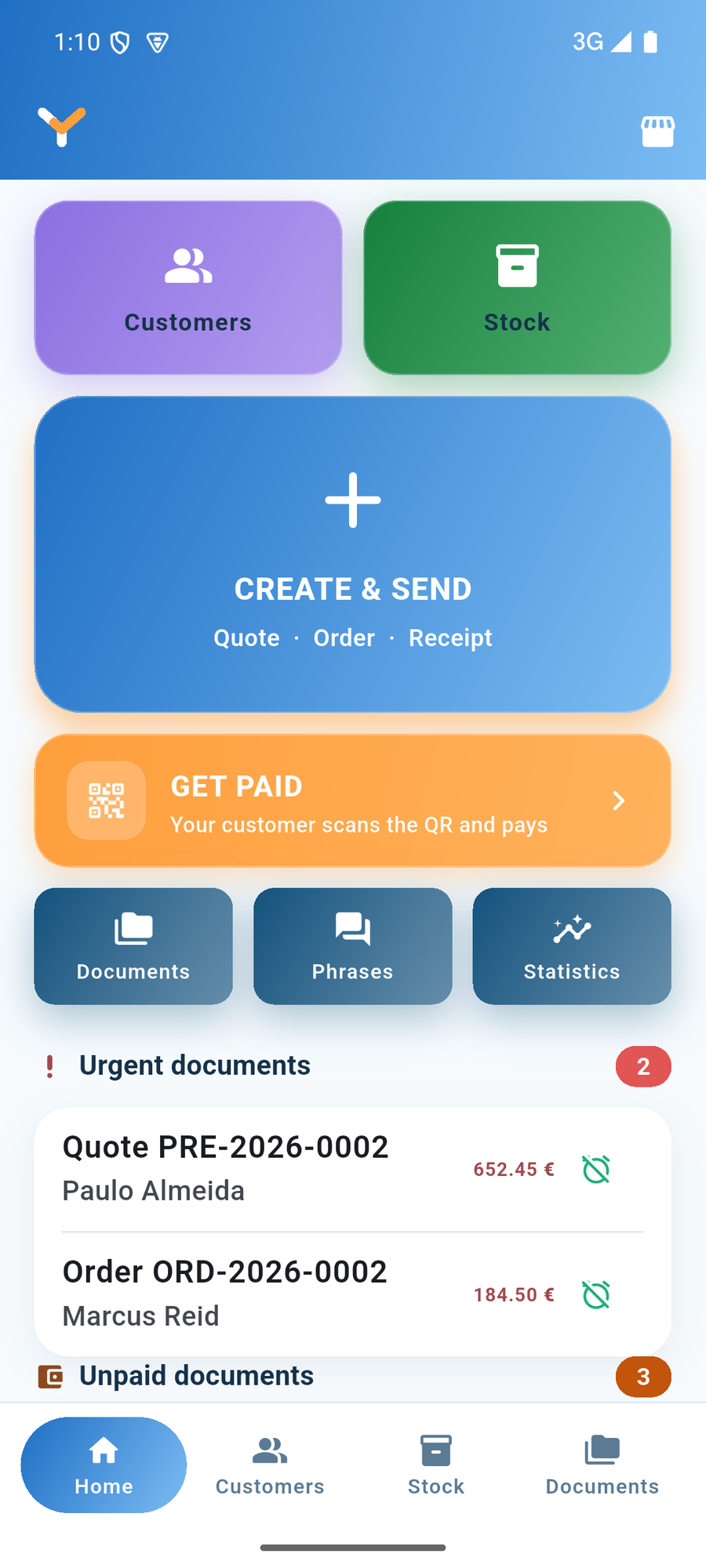
Yataio keeps everything in the phone's memory: quotes, orders, receipts, customers and stock all work with the phone disconnected. There is no account to open and no server that has to answer for you to be able to work.
The network is used for three things only, and they are worth spelling out rather than writing «works without internet» and stopping there:
- checking that the subscription is valid, for those on the paid plan;
- seeing whether a new version of the app has come out;
- sending anonymous usage statistics, only if you consent — and they can be switched off.
None of the three is needed to make a sale. If you are without signal for a week, you keep working for the whole week.
Where the data ends up is covered in the guide, and the backup is explained here.