Published on
Lose your phone: do you still know who owes you?
Customers, prices, open orders, who hasn't paid: all in a phone that can land in a puddle. The question isn't whether it happens, it's what is left afterwards.
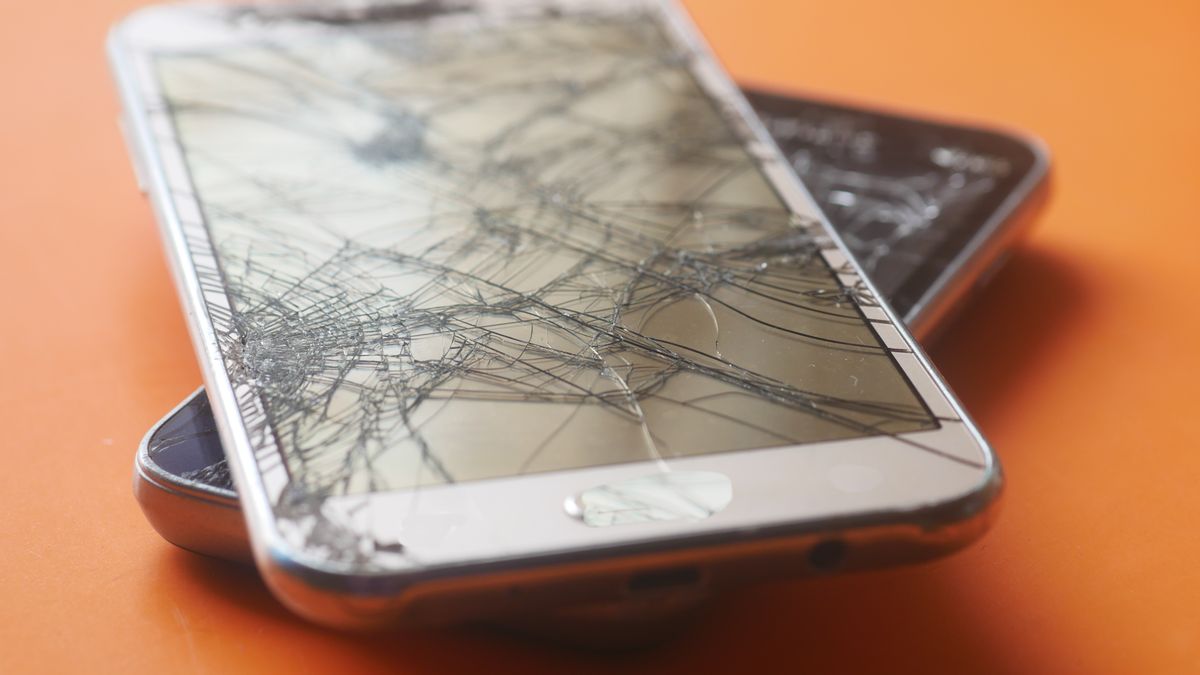
A quick exercise. Imagine that tonight the phone falls off the scooter, or stays in a taxi, or simply stops turning on. Tomorrow morning you open the new one and ask yourself:
- who still owes me money, and how much?
- what orders did I have pending for this week?
- how much did I pay the supplier for that item?
- the number of that customer who orders every month?
If the answer is "the phone knew", the problem is not the phone. It is that there is no copy.
Not the rare case it seems
A phone that works all day — at the market, on deliveries, in the kitchen — lives a harder life than an office one. It falls, gets wet, runs flat at the wrong moment, gets stolen. And the shop's data is not holiday photos: it is money. A forgotten credit is a credit nobody will pay you.
There is the other case too, less dramatic and more frequent: the new phone. You change it, and everything that was in the old one has to reach the new one. Without a copy, you start from zero.
The other side of a promise
Yataio keeps your data only on your phone: no server of ours, no account, nobody able to read how much you sell. It is a choice, and we are proud of it.
But a choice like that has another side, and it is right to say it plainly: if the data lives only there, the copy is your job. There is no cloud of ours doing it for you — and that is exactly why nobody can read it.
How Yataio does it
The backup is a single file, with everything inside: customers, items, documents, photos, settings, logo. It is protected by a password you choose, so you can put it wherever you want — on the phone, on a cloud of your own, on a computer, even in a chat with yourself — and whoever gets hold of it reads nothing.
With the free version you do it yourself, from Settings → Backup, whenever you want. With the Pro version it does itself: every time you close the app, silently, keeping the latest copies in rotation — so it does not fill your phone and you are never left with a single copy.
On the new phone: install the app, restore the file, type the password, and you find everything as it was. Including who owes you money.
One thing to remember, and you will be reminded: write the backup password down somewhere. Nobody can recover it, us included. It is the price of a copy only you can open.
Backup is explained in the guide, restoring here. On where your data lives and who sees it there is an article here.